
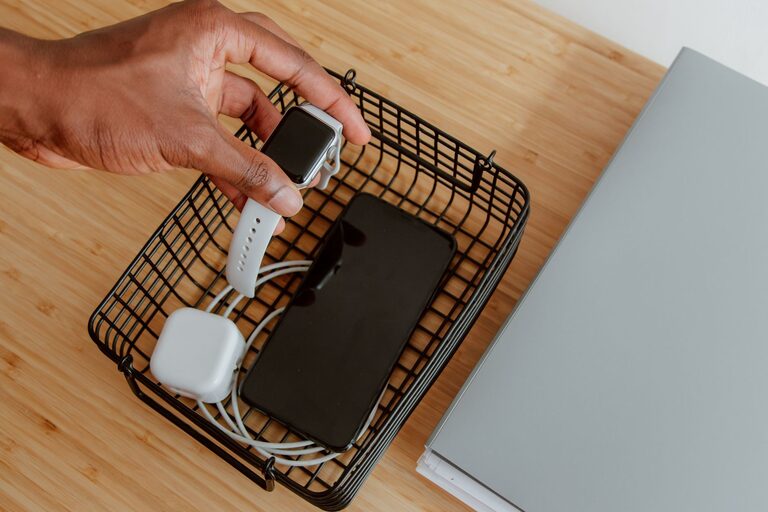
Setting up a dedicated charging station for your devices can simplify your daily routine and keep your space neat and organized. Whether you have smartphones, tablets, laptops, or smartwatches, having one spot where all your gadgets get charged is both practical and efficient. In this guide, we’ll walk you through the steps to create a functional charging station that suits your needs.
Why You Need a Charging Station
Devices are essential in our daily lives, but charging them can turn into a tangled mess of cords and adapters. A charging station helps by:
– Reducing clutter
– Keeping cables managed and organized
– Making it easy to find your devices
– Avoiding overcharging by using smart chargers
– Saving space on desks or counters
Step 1: Choose the Right Location
The first step is picking an ideal spot for your charging station. Consider the following:
– Accessibility: Choose a location that’s easy to reach from your everyday living or working areas.
– Power Source: Make sure there’s an accessible power outlet nearby to plug in your chargers.
– Ventilation: Devices generate heat while charging, so pick a spot with good airflow.
– Visibility: A visible charging station helps remind you to pick up your device when needed.
Popular locations include living room side tables, kitchen counters, office desks, or bedside tables.
Step 2: Gather Your Charging Equipment
Next, gather the necessary items to build your station. Here’s what you may need:
– Power strip or surge protector: Provides multiple outlets and protects devices from power surges.
– Multi-port USB charger: Useful for charging several devices from one plug.
– Charging cables: Ensure you have the right cables for all your gadgets (e.g., USB-C, Lightning, Micro USB).
– Charging dock or stand: Holds devices upright while charging and keeps cables organized.
– Cable organizers: Clips, ties, or sleeves to keep cables tidy and untangled.
– Storage container or tray: To hold accessories like earbuds, power banks, or adapters.
Step 3: Organize Your Charging Station
Organization is key to a neat charging area. Follow these tips:
Label Your Cables
If you have multiple similar cables, label them for quick identification. You can use small stickers, colored tape, or pre-made labels.
Use Cable Management Tools
Cable clips or holders stick on surfaces to guide and secure cables. Velcro straps or twist ties bundle excess lengths to prevent tangles.
Arrange Devices Strategically
Place the most used devices in easily accessible spots. Use stands or docks to keep them upright and visible.
Keep Extras Handy
Store spare cables, adapters, and accessories in a small box or drawer nearby, so you don’t have to search for replacements.
Step 4: Consider Safety and Maintenance
Keeping your charging station safe and well-maintained prolongs device and charger life. Here are a few points:
– Avoid overloading power strips; check the wattage limits.
– Use chargers from reputable manufacturers.
– Keep the station dry and away from heat sources.
– Regularly check cables for wear and replace damaged ones to prevent hazards.
– Unplug chargers when not in use if possible to save energy.
Step 5: Personalize Your Charging Station
Make your charging station part of your space by adding a personal touch:
– Choose a stylish tray or container that matches your décor.
– Use decorative cable holders or colorful ties.
– Add small plants or accessories nearby to make the area inviting.
– Label the station with a creative sign for fun identification.
Optional Upgrades for Advanced Charging Stations
If you want to take your charging setup further, consider these features:
– Wireless Charging Pads: Allow charging compatible devices without cables.
– Smart Power Strips: Automatically turn off power to devices that are fully charged.
– USB-C Hubs: Support fast charging for newer devices.
– Built-in LED lights: Help you find cables and devices in low light.
Final Tips
– Plan ahead based on how many devices you charge regularly.
– Keep cables as short as possible to reduce clutter.
– Periodically clean the station to remove dust and debris.
– Encourage family or coworkers to use the station to keep devices charged and organized.
Creating a charging station is a simple way to bring order to your tech life. With a little setup, you’ll enjoy a clutter-free space and never run out of power when you need it most. Give it a try and customize your own station today!
About the Author